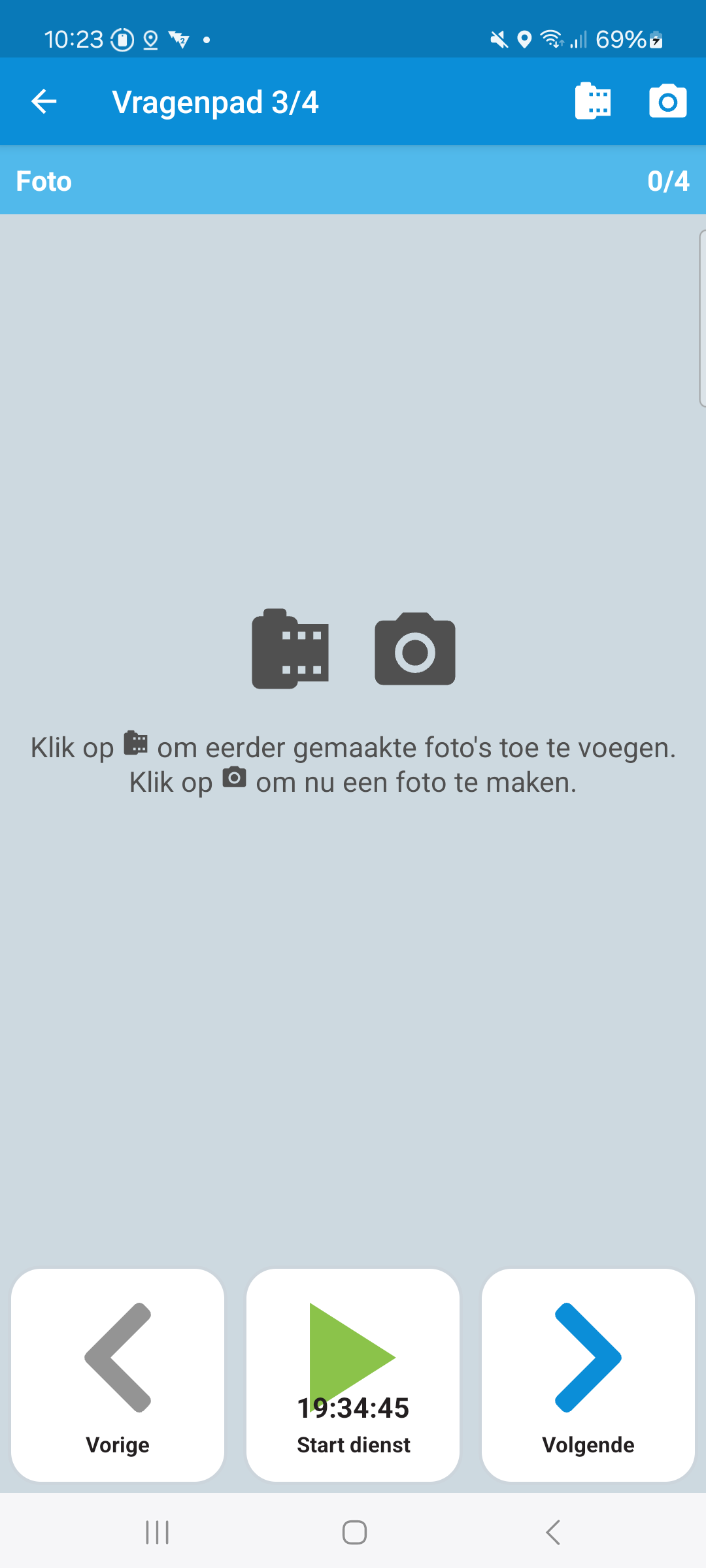
Photo
A question of type photo allows you to ask the user to take a picture or select a image from the gallery.
If the Scan App is installed on the device, then the Scan App it will be opened to take a photo. Once the image is taken or selected, the Scan App will be closed, and the user will be returned to the Drivers App.
If the Scan App is not installed and the user has a license for the Scan App, then the Drivers App will use the default camera app to take a picture. If the user has a license for the Scan App an alert will be shown to the user to install the Scan App
Answer Options
This chapter describes the option possibilities for an answer.
Name | Type | Description | Required | Default |
|---|---|---|---|---|
minPictures | int | The minimum number of required images. Note: This option is only available if the question is required. | false | 0: if the question is not required 1: if the question is required |
maxPictures | int | The maximum number of required images. | false | 0 unlimited |
isDocument | bool | If this is set to true, the Note: This option is only available if the | false | false |
allowPickFromGallery | bool | Used to determine if the button to open the gallery is visible or not. | false | false |
useFrontCamera | bool | Whether to use the front camera by default. | false | false |
predefinedImageEffect | string | The predefined image effect to use. Note: This option is only available if the The following values are available:
| false | original |
Examples
Photo example